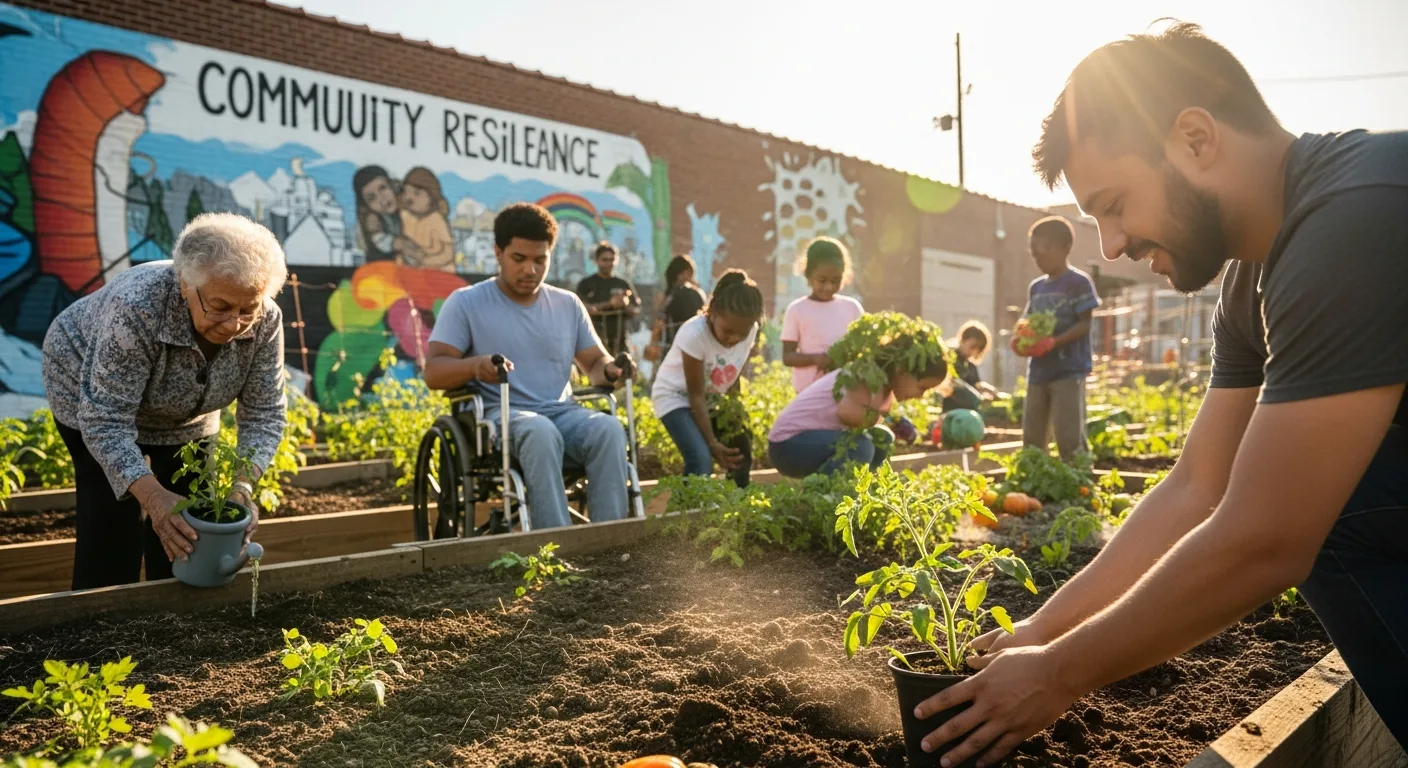
Become a Search Ally: A Practical Guide to Optimizing for Underserved Communities
The internet should be a level playing field, but for many underserved communities, it’s anything but. Being a search ally means actively working to bridge the digital divide and ensure everyone has equal access to information. Optimizing your website with accessibility and inclusivity in mind isn’t just a nice thing to do; it’s a necessity in 2026. But how do you ensure your SEO efforts truly benefit those who need it most, going beyond basic keyword stuffing and embracing AEO (Answer Engine Optimization)?
Understanding the Needs of Underserved Communities
Before diving into the “how,” it’s crucial to understand the “who.” Underserved communities encompass a wide range of groups, each with unique needs and challenges. Consider factors like:
- Language: Is your content available in multiple languages? Are you using plain language that’s easy to understand, even for non-native speakers?
- Literacy: Are you catering to individuals with varying literacy levels? Can your content be easily understood by someone with lower literacy skills?
- Disability: Is your website accessible to people with disabilities, including visual, auditory, motor, and cognitive impairments?
- Digital Literacy: Do you assume everyone has the same level of digital expertise? Are you providing clear instructions and guidance for navigating your website?
- Access to Technology: Do all your users have access to reliable internet and up-to-date devices?
- Cultural Sensitivity: Are you aware of cultural nuances and avoiding potentially offensive or insensitive language and imagery?
Failing to address these factors can exclude significant portions of the population. For example, a website that relies heavily on visual content without providing alternative text descriptions is inaccessible to people who are blind or visually impaired. Similarly, a website that uses complex jargon or technical terms will alienate users with lower literacy levels.
In 2026, Google released updated accessibility guidelines emphasizing the importance of considering the specific needs of diverse user groups. Neglecting these needs can negatively impact your search rankings and overall user experience.
Keyword Research for Inclusive SEO
Traditional keyword research often focuses on broad, high-volume terms. However, to truly reach underserved communities, you need to dig deeper and identify the specific language they use. This involves:
- Community Engagement: Talk to people in the communities you want to reach. Conduct surveys, focus groups, or interviews to understand their needs and preferences.
- Social Listening: Monitor social media platforms and online forums to identify the terms and phrases people are using to discuss relevant topics. Tools like Brand24 can be helpful for this.
- Long-Tail Keywords: Focus on long-tail keywords that are more specific and targeted. For example, instead of “affordable healthcare,” try “affordable healthcare for low-income families in [city].”
- Synonyms and Variations: Explore different synonyms and variations of your target keywords. Consider the language used by different cultural groups or age groups.
- Question-Based Keywords: Identify the questions people are asking related to your topic. Use tools like AnswerThePublic to find question-based keywords.
Remember, the goal is to use language that resonates with your target audience and makes it easy for them to find the information they need. Don’t assume that everyone uses the same terminology or has the same understanding of complex concepts.
Accessibility as a Cornerstone of Optimization
Accessibility is not just a technical requirement; it’s a fundamental aspect of optimizing for underserved communities. A website that is not accessible is inherently discriminatory and excludes a significant portion of the population. Here are some key accessibility considerations:
- Web Content Accessibility Guidelines (WCAG): Familiarize yourself with the WCAG, which are the internationally recognized standards for web accessibility. Aim to meet at least WCAG 2.1 Level AA.
- Alternative Text (Alt Text): Provide descriptive alt text for all images and non-text content. This allows screen readers to convey the meaning of the image to users who are blind or visually impaired.
- Keyboard Navigation: Ensure that your website can be navigated using a keyboard alone. Many users with motor impairments cannot use a mouse.
- Color Contrast: Use sufficient color contrast between text and background to make your content easily readable for people with low vision.
- Clear and Simple Language: Use plain language that is easy to understand. Avoid jargon, technical terms, and complex sentence structures.
- Captions and Transcripts: Provide captions for videos and transcripts for audio content. This makes your content accessible to people who are deaf or hard of hearing.
- Assistive Technology Compatibility: Test your website with assistive technologies, such as screen readers and screen magnifiers, to ensure compatibility.
- Semantic HTML: Use semantic HTML elements to structure your content in a meaningful way. This helps screen readers and other assistive technologies understand the content and present it to users in a logical manner.
Implementing these accessibility measures will not only benefit people with disabilities but also improve the overall user experience for everyone. A website that is easy to navigate, understand, and use is a website that will attract and retain more users.
Creating Culturally Relevant Content
Optimizing for underserved communities requires more than just technical fixes; it also demands culturally relevant content. This means creating content that resonates with the values, beliefs, and experiences of your target audience. Consider the following:
- Representation: Ensure that your content reflects the diversity of the communities you serve. Use images and examples that are inclusive and representative of different cultures, ethnicities, and backgrounds.
- Cultural Sensitivity: Be aware of cultural nuances and avoid potentially offensive or insensitive language and imagery. Consult with members of the communities you want to reach to ensure that your content is appropriate and respectful.
- Language and Tone: Use language and tone that is appropriate for your target audience. Avoid slang, jargon, or humor that may not be understood by everyone.
- Storytelling: Use storytelling to connect with your audience on a personal level. Share stories that are relatable and inspiring, and that reflect the experiences of the communities you serve.
- Local Context: Provide information that is relevant to the local context of your target audience. This may include information about local resources, events, or organizations.
*A 2025 study by the Pew Research Center found that culturally relevant content is more likely to be shared and engaged with by members of underserved communities.*
Measuring Impact and Iterating
Optimizing for underserved communities is an ongoing process. It’s not enough to simply implement a few changes and then forget about it. You need to continuously measure your impact and iterate based on the results. Here’s how:
- Analytics: Use Google Analytics to track key metrics, such as website traffic, bounce rate, time on site, and conversion rates. Pay attention to how these metrics vary across different demographic groups.
- User Feedback: Collect feedback from users through surveys, feedback forms, and user testing. Ask users about their experience using your website and what improvements they would like to see.
- Accessibility Audits: Conduct regular accessibility audits to identify and fix any accessibility issues. Use automated testing tools and manual testing methods.
- Community Engagement: Continue to engage with the communities you want to reach. Attend community events, participate in online forums, and solicit feedback on your content and services.
- A/B Testing: Use A/B testing to experiment with different versions of your content and design. Test different headlines, images, and calls to action to see what resonates best with your target audience.
By continuously measuring your impact and iterating based on the results, you can ensure that your website is effectively serving the needs of underserved communities.
Answer Engine Optimization (AEO) for Inclusivity
While traditional SEO focuses on ranking for keywords, AEO emphasizes providing direct answers to user questions. This is particularly important for underserved communities who may be unfamiliar with search engine algorithms or have limited digital literacy. To leverage AEO for inclusivity:
- Anticipate Questions: Identify the questions that your target audience is likely to ask. Consider their specific needs, challenges, and concerns.
- Provide Clear and Concise Answers: Answer these questions directly and concisely on your website. Use plain language and avoid jargon.
- Use Structured Data: Use structured data markup to help search engines understand the content on your website and provide better answers to user questions. Schema.org provides a wide range of schema types that can be used to mark up different types of content.
- Create FAQs: Create a frequently asked questions (FAQ) section on your website to address common questions and concerns.
- Optimize for Voice Search: Optimize your content for voice search by using natural language and answering questions in a conversational tone.
By focusing on AEO, you can make it easier for underserved communities to find the information they need and get their questions answered quickly and easily.
Conclusion
Becoming a search ally is an ongoing journey of learning, adapting, and advocating for inclusivity. By optimizing your website for underserved communities, you’re not just improving your SEO; you’re making the internet a more equitable and accessible place for everyone. Embrace accessibility, create culturally relevant content, and prioritize AEO to ensure your efforts truly benefit those who need it most. Are you ready to take the first step towards becoming a more inclusive online presence today?
What are some common examples of underserved communities?
Underserved communities can include, but are not limited to, people with disabilities, low-income individuals, racial and ethnic minorities, LGBTQ+ individuals, people with limited English proficiency, and those living in rural areas.
Why is accessibility important for SEO?
Accessibility improves the user experience for everyone, including people with disabilities. Search engines prioritize websites that provide a positive user experience, so making your website accessible can improve your search rankings. Additionally, many accessibility best practices, such as using alt text for images and semantic HTML, also benefit SEO.
How can I find out what keywords underserved communities are using?
Engage with the communities you want to reach. Conduct surveys, interviews, or focus groups to understand their language and needs. Monitor social media and online forums to identify the terms and phrases they are using. Use keyword research tools to explore long-tail keywords and question-based keywords.
What are some free tools I can use to improve my website’s accessibility?
Several free tools can help you improve your website’s accessibility. These include the WAVE Web Accessibility Evaluation Tool, the Accessibility Insights browser extension, and the Lighthouse tool in Google Chrome’s developer tools. These tools can help you identify accessibility issues and provide recommendations for fixing them.
How can I measure the impact of my SEO efforts on underserved communities?
Use Google Analytics to track website traffic, bounce rate, time on site, and conversion rates for different demographic groups. Collect feedback from users through surveys and feedback forms. Conduct regular accessibility audits to identify and fix any accessibility issues. Monitor social media and online forums to see how people are talking about your content and services.